- Accessing the Similarity Report
- Similaritiy Scour percentage rangers
- Using the Match Overview and Match Breakdown
- Viewing all sources
- Exclude quotes and bibliography
- Matches by word count or %
- Excluding sources via Match Overview
- Excluding sources via All Sources
- Restoring excluded sources
- Requesting the deletion of submissions
- Error message: "The password for this account has expired"
- Account Locked Due to Inactivity for More Than 6 Months
The Match Groups view divides the overall similarity score into four categories based on the use of in-text citations and quotation marks.
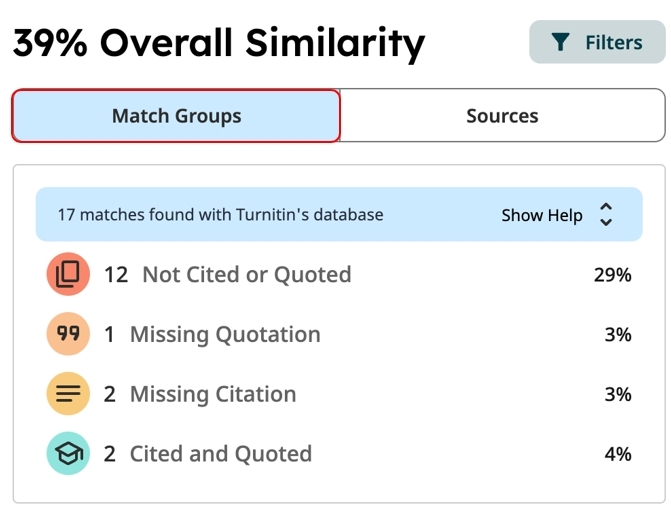
 Not Cited or Quoted — Text matches that are neither quoted nor cited to their original source.
 Missing Quotations — Text is cited, but the match is sufficiently exact that quotation marks may also be required.
 Missing Citation — Text is written as a quotation but does not include a citation to its original source.
 Cited and Quoted — Text includes quotation marks and a citation. You may review the formatting according to your preferred citation style.
Each highlighted match in the document has a source number. The same number appears in the top row of its corresponding source card. Selecting a highlight in the document brings its corresponding source card into focus in the right-side panel.

Source cards provide details about a highlighted match and its source material. Expand a source card to access additional options.
- The top row shows the source ranking number, database type, and match-group category.
- The second row shows the name of the top matching source and the percentage matched with the document.
- The third row shows the number of matching text blocks and the total word count for matches with the same criteria.
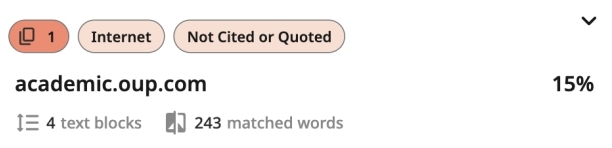
Exploring a source card
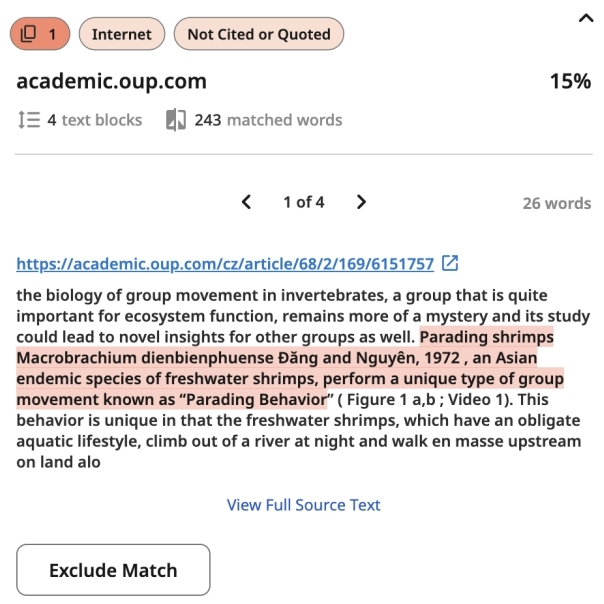
- A highlighted match in the document
- A source card in the right-side panel
The Sources view lists sources in descending order of total similarity percentage. These sources are the same as those shown in the source cards in the Match Groups view.
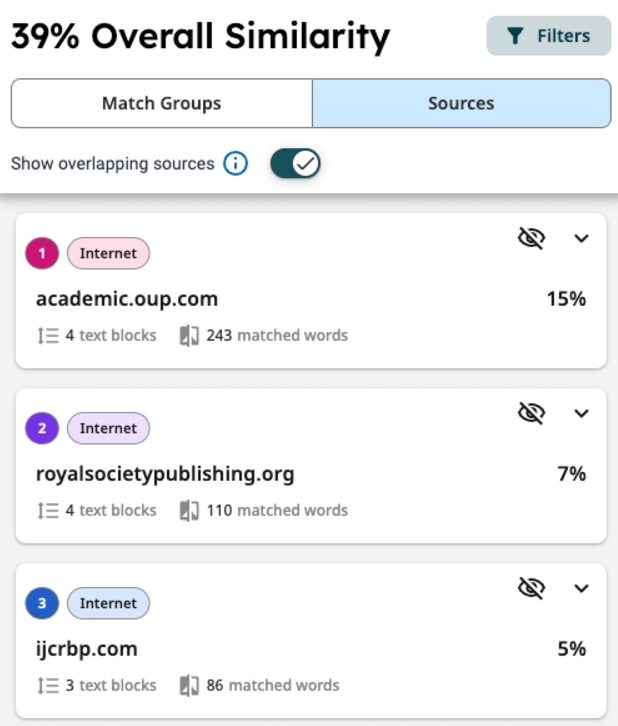
What are overlapping sources?
Similar text may appear in multiple sources. When text matches more than one source, the source with the highest number of matching words is shown first. If multiple sources contain the same exact matching text, the report prioritizes sources in the following order:
- Internet
- Publications
- Submitted Works (student papers)
To view overlapping sources for the same text, select the relevant highlight in the submission or its source card, then click View other sources at the bottom of the card in the right-side panel.
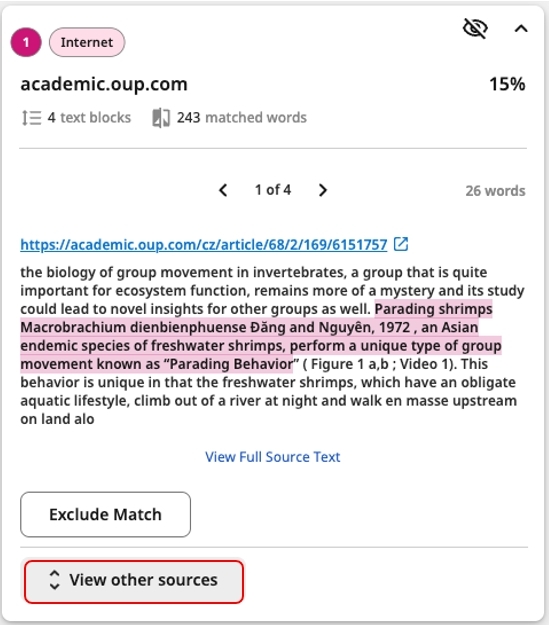
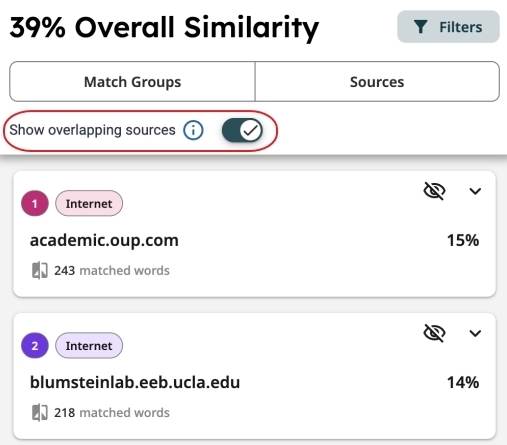
Select Show overlapping sources at the top of the Sources list. Selecting a source card highlights the matching text in the submission.